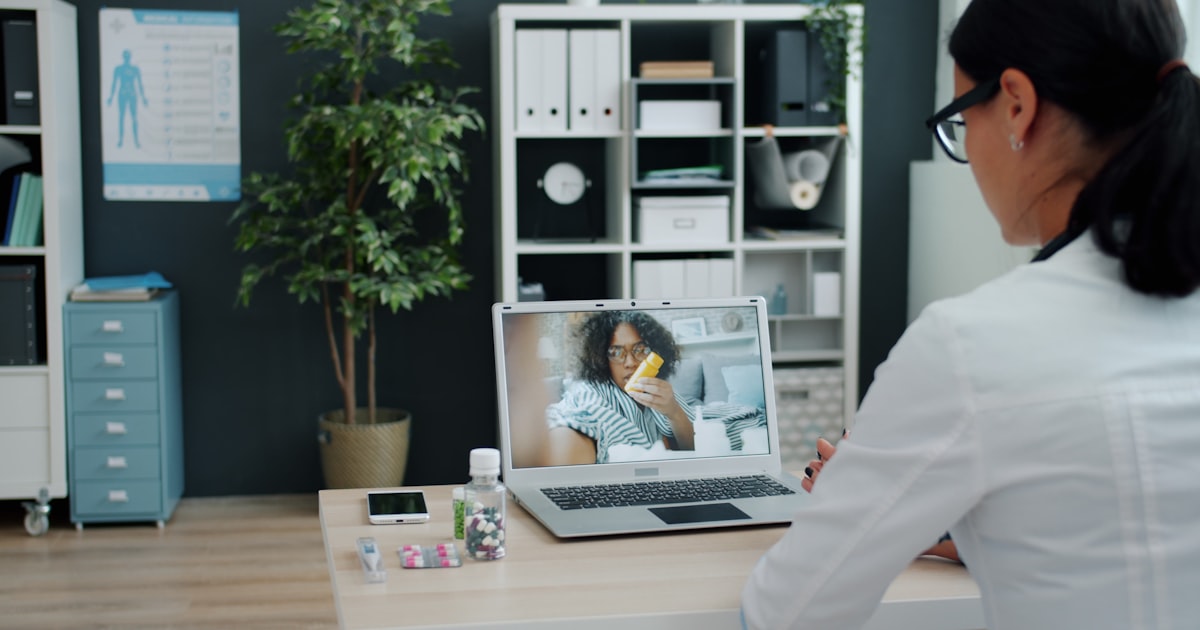
Imagine consulting a qualified government doctor for a fever, a skin rash, or a follow-up on your blood pressure — from your own home, on your phone, without paying a single rupee. For hundreds of millions of Indians, this is no longer imagination. eSanjeevani, the Government of India's national telemedicine service, has already delivered more than 43 crore consultations across every state and union territory, making it one of the largest such platforms in the world.
For anyone living far from a good hospital, unable to take a day off work to sit in an OPD queue, or simply caring for an ageing parent in another city, eSanjeevani is one of the most useful and least understood tools in India's public health system. This guide explains what it is, how to use it, and how it fits into the wider push to put your health records in your own hands.
What Is eSanjeevani?
eSanjeevani is a free telemedicine platform run by the Ministry of Health and Family Welfare (MoHFW), developed by the Centre for Development of Advanced Computing (C-DAC). It lets patients consult doctors remotely by video, receive advice, and get a valid e-prescription — all at no cost.
It operates in two distinct forms, and understanding the difference matters:
- eSanjeevani OPD (patient-to-doctor): This is the version most people mean. You sit at home with a smartphone or computer and consult a doctor directly through the app or website. It works much like a hospital outpatient department, but online.
- eSanjeevani AB-HWC (provider-to-provider): This version connects health workers at village-level Ayushman Bharat Health and Wellness Centres with doctors and specialists at larger hospitals. It is designed for people who do not own a smartphone — you visit your nearest wellness centre, and the health worker there connects you to a doctor.
Together, these two models mean that whether or not you own a device, there is a route to a government doctor. The platform handles roughly 4-4.5 lakh consultations on a busy day and works with around 2.2 lakh healthcare providers nationwide.
Why eSanjeevani Matters in the Indian Context
India's doctor-to-patient ratio remains stretched, and good specialists are heavily concentrated in cities. For a family in a rural district, seeing a dermatologist or psychiatrist can mean a full day of travel and lost wages. eSanjeevani directly attacks that gap.
The benefits are especially meaningful here:
- It is genuinely free: There are no consultation charges, no hidden fees, and no requirement to have insurance
- It reaches underserved areas: A patient in a remote village can reach a specialist sitting in a state medical college
- It reduces crowding and travel: Minor illnesses, follow-ups, and prescription renewals can be handled without a physical hospital visit — valuable for elderly patients and during disease outbreaks
- It offers real specialties: Beyond general medicine, patients can often access dermatology, psychiatry, paediatrics, gynaecology, ENT, and other departments depending on the state
- It provides a valid prescription: The e-prescription generated is recognised and can be used at pharmacies
For managing chronic conditions such as diabetes, hypertension, or thyroid disorders — where regular but routine follow-up is needed — this convenience can be the difference between consistent care and skipped appointments.
How eSanjeevani Connects to Your Digital Health Records (ABDM & ABHA)
eSanjeevani is fully integrated with the Ayushman Bharat Digital Mission (ABDM) and its cornerstone, the ABHA number (Ayushman Bharat Health Account) — a unique 14-digit health ID that acts as the anchor for your digital health records.
This integration is what makes eSanjeevani more than a one-off video call:
- When you consult through eSanjeevani, you can create or link your ABHA number during registration
- The e-prescription and consultation record can be linked to your ABHA account
- ABHA holders can push these records into a health locker of their choice, keeping prescriptions and reports in one accessible digital place
- Over time, this builds a longitudinal record that any future doctor can access with your consent
If you have followed the government's broader digital health push — from Aarogya Setu's evolution into a digital health platform to the Ayushman Bharat scheme — eSanjeevani is the teleconsultation piece that plugs into the same ecosystem. The ambition is a connected system where your consultation, prescription, and lab reports all speak to one another under your control.
How to Use eSanjeevani OPD: A Step-by-Step Guide
What You Need First
- A smartphone (Android or iOS) or a laptop/PC with a webcam
- A stable internet connection of at least 2 Mbps for smooth video
- A working mobile number to receive OTPs by SMS
- Any relevant past reports or prescriptions ready to show or upload
The Registration and Consultation Process
- Download the app or open the portal. Search "eSanjeevani OPD" on the Google Play Store or Apple App Store, or visit the official eSanjeevani OPD website. Be careful to use only the official MoHFW app — avoid look-alike third-party apps.
- Register with your mobile number. Enter your number, receive an OTP by SMS, and verify it to create your patient profile.
- Fill in your basic details and, if prompted, create or link your ABHA number to connect the visit to your health records.
- Complete a token/patient registration for the session. You may be asked about your main complaint and can upload supporting documents.
- Choose the OPD or specialty you need — for example General Medicine, Dermatology, or Paediatrics — based on what your state offers.
- Wait in the digital queue. You receive a token and can see your position. When it is your turn, you are notified.
- Start the video consultation. The doctor speaks with you, may ask you to show an affected area on camera, and can use the in-built chat for messages.
- Receive your e-prescription. Once the consultation ends, an electronic prescription is generated, which you can download and use at a pharmacy.
Practical Tips for a Smooth Consultation
- Log in during the OPD's operating hours — timings vary by state, so check before you start
- Keep your list of current medicines and any recent lab reports open in front of you
- Sit in a well-lit, quiet place with a clear view of your face and any skin or eye complaint
- Note down or screenshot your token number and prescription
- Have a family member assist elderly patients with the app if needed
What eSanjeevani Can and Cannot Do
Telemedicine is powerful, but it has clear limits, and understanding them keeps you safe.
Well suited to eSanjeevani:
- Minor ailments such as colds, fevers, mild infections, and common skin problems
- Follow-up consultations for stable chronic conditions
- Reviewing lab reports and adjusting ongoing treatment
- Renewing prescriptions and getting general medical advice
- Mental health support and counselling in states where this is offered
Not suitable for teleconsultation — seek in-person or emergency care:
- Any medical emergency: chest pain, difficulty breathing, sudden weakness or slurred speech (possible stroke), severe bleeding, or loss of consciousness — call emergency services or go to a hospital immediately
- Conditions needing a physical examination, a procedure, or imaging
- Severe or rapidly worsening symptoms
A remote doctor cannot examine you by touch, order an urgent scan on the spot, or intervene in an emergency. eSanjeevani complements your local healthcare — it does not replace the hospital when you truly need one. Always follow your doctor's advice about when to come in person.
Keeping Your eSanjeevani Records Organised
An e-prescription is only useful if you can find it when you need it. Over months of consultations, prescriptions and reports pile up across your phone's downloads, email, and WhatsApp. Linking records to your ABHA is one part of the answer, but many families want a simple, single view of everything.
This is where keeping your own organised copy helps. You can upload your reports and prescriptions to MedicalVault, including the e-prescriptions you receive from eSanjeevani, so your entire medical history sits in one searchable place. For chronic conditions, MedicalVault's trend analysis lets you track how your blood pressure, sugar, or thyroid values change across successive teleconsultations. And if you are managing a parent's health remotely — arranging their eSanjeevani consultations from another city — the family sharing feature lets everyone involved see the same up-to-date records and prescriptions.
The Road Ahead for Telemedicine in India
eSanjeevani is still evolving. The government and researchers are actively testing enhancements such as AI-based clinical decision support to help doctors during teleconsultations, and deeper integration with the ABDM ecosystem so that consultations, prescriptions, and lab data flow together seamlessly. As smartphone penetration and internet access continue to grow, telemedicine is likely to become a routine first step for a large share of everyday healthcare needs in India.
For now, the most important thing is that a free, credible option exists — and that far too few people know how to use it. Simply knowing that you can consult a government doctor from home, at no cost, is enough to change how you handle the next minor illness or routine follow-up.
Common Questions About eSanjeevani
Is it really free? Yes. Both the consultation and the e-prescription are provided at no cost. You only pay for any medicines or tests advised, purchased separately.
Is my data safe? eSanjeevani operates under the Government of India and the ABDM framework, which is built around consent-based sharing — your records are meant to be accessed only with your permission. As with any online service, use the official app, keep your OTP private, and never share your login.
Which languages are supported? The platform and its doctors support multiple Indian languages, and availability of regional-language consultations varies by state, making it accessible beyond English and Hindi speakers.
Can I get a medical certificate or sick leave note? eSanjeevani focuses on consultation and prescription. For formal certificates, check with the consulting doctor, as policies differ.
What if the video call drops? Poor connectivity can interrupt a session. If it does, rejoin the queue or retry during off-peak hours; keeping your token number handy helps.
Key Takeaways
- eSanjeevani is the Government of India's free national telemedicine service, with over 43 crore consultations delivered nationwide
- It comes in two forms: eSanjeevani OPD for direct patient-to-doctor video consultations from home, and eSanjeevani AB-HWC for those without a smartphone, via village wellness centres
- The service is completely free and provides a valid e-prescription you can use at pharmacies
- It is fully integrated with ABDM and the ABHA health ID, letting you link consultations and prescriptions to your digital health records
- Use it for minor illnesses, follow-ups, and prescription renewals — but seek in-person or emergency care for anything severe, or that needs a physical examination
- To register, download the official eSanjeevani OPD app, verify your mobile number, choose a specialty, wait in the digital queue, and consult by video
- Keeping your eSanjeevani prescriptions organised — for example by uploading them to MedicalVault alongside your other reports — ensures your growing health history stays accessible whenever you or your family need it
If you have never tried it, consider setting up your eSanjeevani profile before you actually fall ill — so that the next time a fever or a follow-up comes around, a qualified doctor is only a few taps away.